
Tools
Trading results are determined less by how well a trade is found and more by how disciplined the plan is and how carefully risk is managed. Here we collect simple tools that help you answer the basic questions before opening a trade.
What the tools help you work out
- How many shares to buy? Position size based on account size and the risk you accept per trade.
- Where to place the stop-loss? How large the risk per share is and what the total loss would be if the stop is hit.
- Is the trade worth taking? The risk-to-reward ratio (R:R) and target levels before entry.
- Are you following the plan? Clear numbers help you avoid decisions driven by emotion.
The tools do not pick trades for you — they help you plan and stick to your own rules.
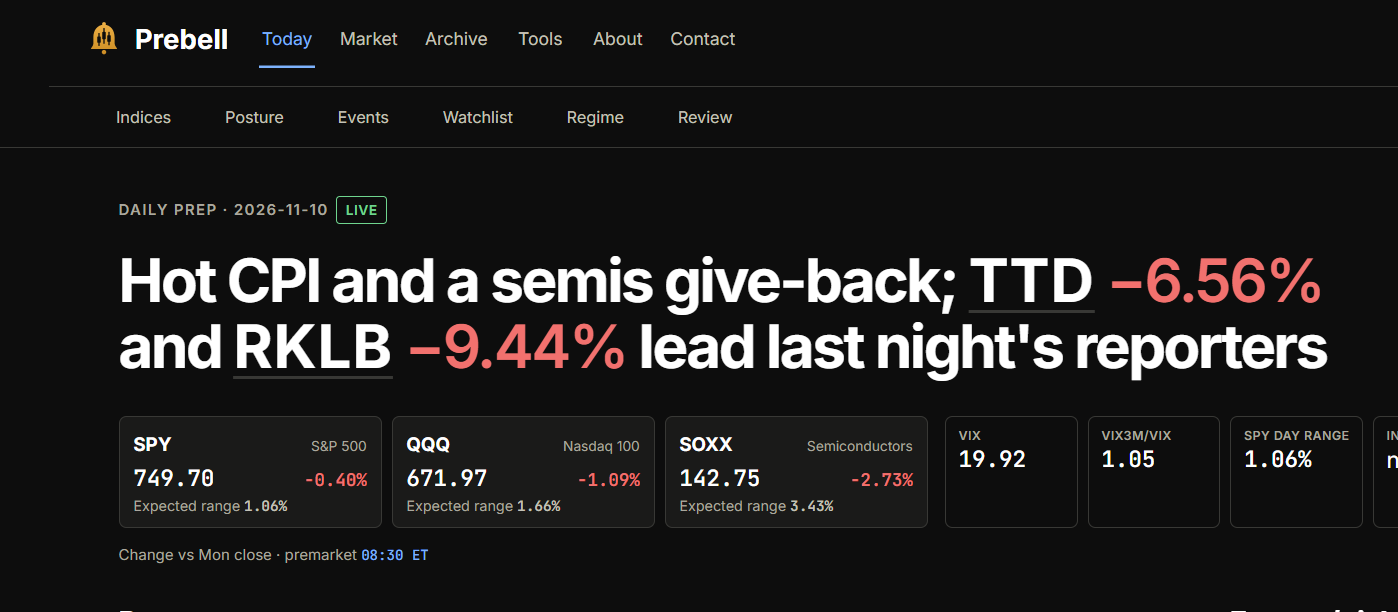
Trader’s market overview and scanner — Prebell
Prebell is a free external website that publishes a premarket briefing every trading day before the US market opens: the market regime (indices, VIX), the day’s event calendar, a watchlist with key levels and a review of the previous session. A useful tool for morning preparation before the session.
Prebell is run by Laldinsoft Ltd and is not a CoolKidPod project. The information is for educational purposes, not financial advice. See also the disclaimer.
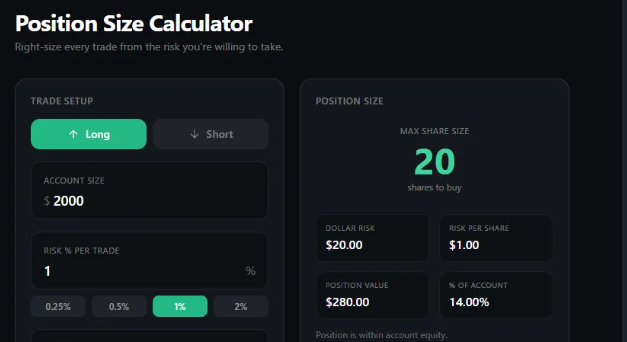
TradeRisk Calc — position size calculator
Enter your account size, the risk percentage per trade, and the entry and stop-loss prices (long or short), and the calculator shows how many shares you can buy, the dollar risk and risk per share, the position value and its share of the account. You can optionally enter a target price to see the risk-to-reward ratio. Account size and risk percentage are remembered on your device.
This tool is for educational purposes, not financial advice. See also the disclaimer.
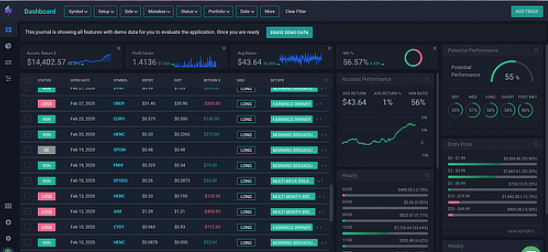
Trading journal — TraderSync
TraderSync is a trading journal tool that lets you record your trades and analyse them. Trades can be imported from broker reports (over 100 brokers are mentioned), and the tool summarises statistics on your results, strategies and trading behaviour. It supports stocks, options, crypto, futures and forex. Regularly reviewing your trades helps you spot repeated mistakes and improve your approach.
TraderSync is an external, paid service (a free trial is available) and is not a CoolKidPod project. The information is for educational purposes, not financial advice. See also the disclaimer.
From a demo account to real trading — Trade The Pool
After practising on a demo account, one route to trading with real funds is funded account trading. You pay a small one-time fee for an evaluation and show that you can trade and reach results while following the risk rules. If you pass, you are given a funded account that trades the company’s capital, and up to 80% of the profit is paid out to the trader. Trade The Pool focuses on US stocks and ETFs and offers a free trial period.
Trading during the evaluation is simulated, and getting a funded account is not guaranteed: it depends on your results and on following the rules. Read the terms (fees, risk limits, profit split) before paying. Trade The Pool is an external service, not a CoolKidPod project. The information is for educational purposes, not financial advice. See also the disclaimer.

